
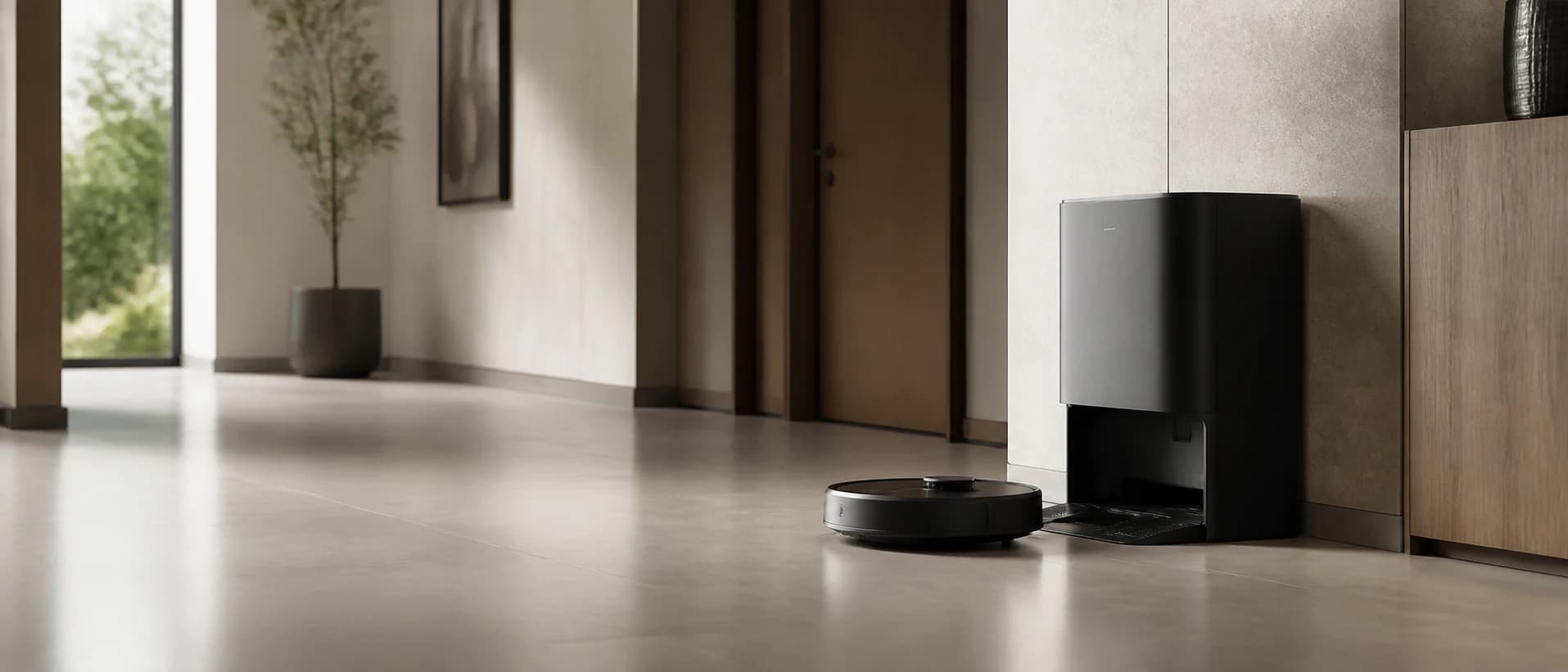
First check power, dock position and free access. Then clean contacts and detection sensors. If the station has been moved or the apartment has changed significantly, new mapping may be necessary.
1. Check power and location
Check whether the station is supplied and is at the location saved on the map. Maintain the clearance required by the manufacturer in front of and next to the dock.
2. Clean contacts and sensors
Dust on charging contacts, signal windows or sensors can interfere with docking and detection. Clean only according to the manufacturer's instructions and without aggressive agents.
3. Rebuild map last
If the dock has been moved or the map no longer fits the apartment, new mapping can help. Save important exclusion zones in advance if the app allows it.
When support is required
If the robot cannot find a correctly positioned, clean and powered dock even after a new card, check the model-specific error display and contact support.
Sources
Source: August 26, 2026 . Manufacturer information is not presented as our own test results.