
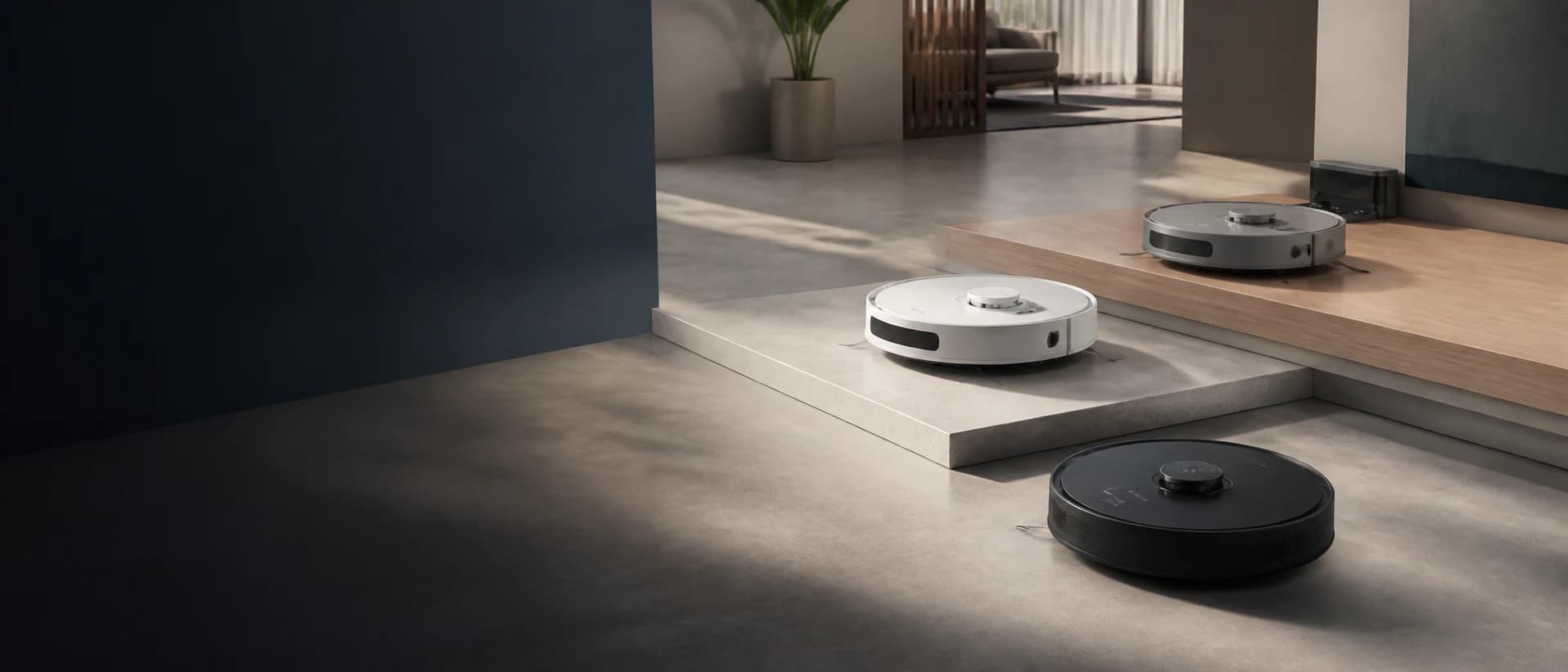
Start the robot at the usual dock, open relevant doors and clean the navigation sensors. First check whether a backup copy of the card exists. New mapping is the final step.
Do not move station
The dock position serves as a reference point for many systems. Return the dock to the saved location and launch the robot from there before deleting the map.
Prepare apartment for mapping
Open doors, remove temporary obstacles and ensure clear paths. Do not lift the robot while mapping.
Check sensors and app
Dry clean LiDAR windows and other sensors according to instructions. Control app account, selected floor and existing card backups.
Remap with system
Only then create a new map. Then consciously reset rooms, carpet areas, restricted zones and cleaning schedules instead of repeating old mistakes.
Sources
Source: August 26, 2026 . Manufacturer information is not presented as our own test results.